01
Record locally
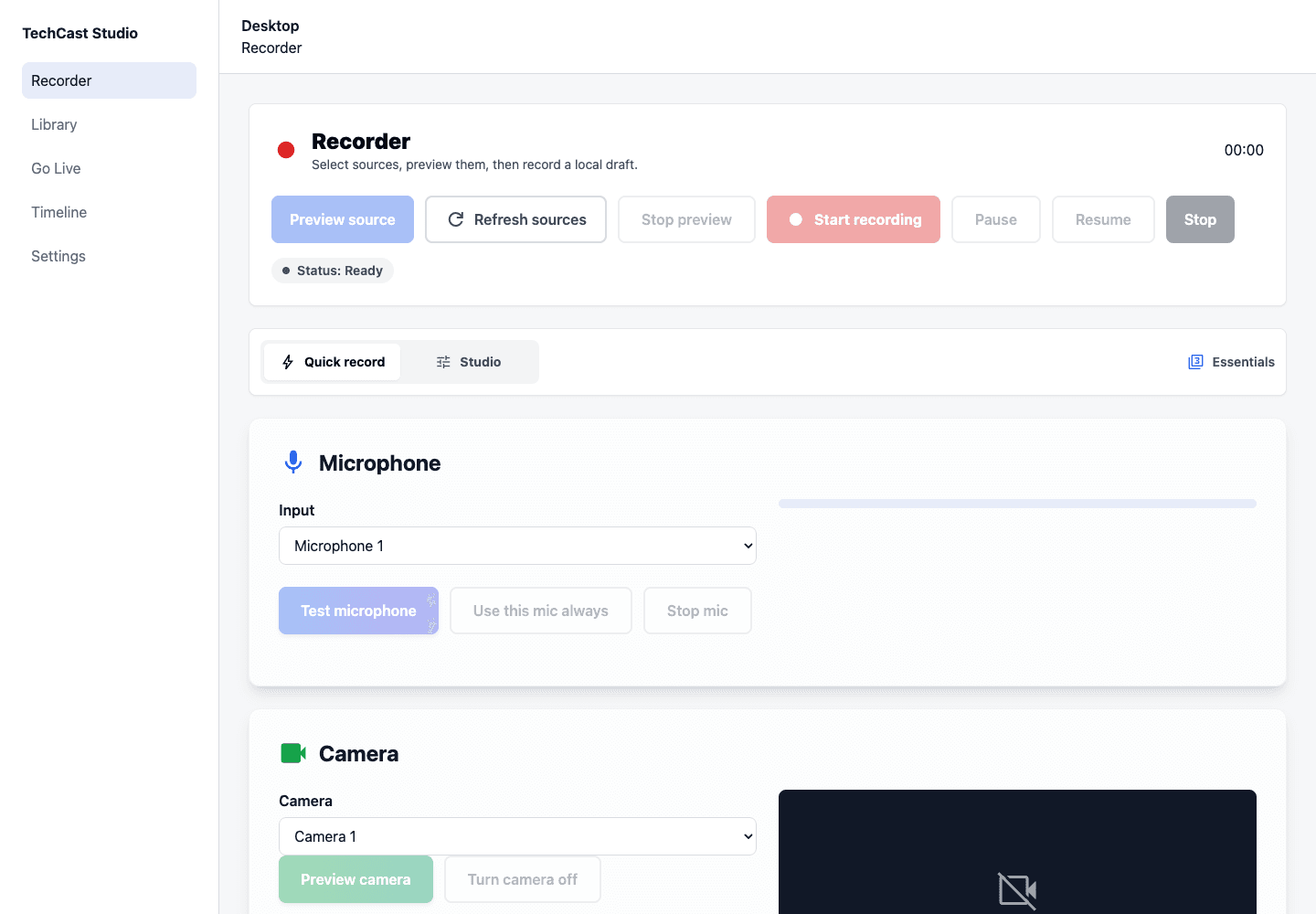
Choose a screen, microphone, and optional camera in the focused Quick Record workspace.
Founding Beta · Apple Silicon
A local-first recording workspace for technical creators. Capture your screen, recover drafts safely, review the result, and export a polished MP4 without handing over the original recording.
The public desktop download stays closed until signing, notarization, and release checks pass.
The core workflow
Choose a screen, microphone, and optional camera in the focused Quick Record workspace.
Recordings checkpoint to disk and reopen as local drafts after an interruption or restart.
Trim, remove approved silence, check metadata matches, and review visual privacy manually.
Create a local 720p or 1080p MP4, then choose whether to upload and share it.
Available in the recorder
Quick Record keeps the first session focused. Studio tools appear when you need more control, and experimental services are labelled before they can affect your work.
Screen, microphone, and optional camera capture with source-loss recovery.
File-backed checkpoints and private local drafts reduce the risk of losing a recording.
Audio, system and readability checks help prepare recording. Video and audio privacy need manual review.
Trim, silence review, blur, Smart Zoom, and cursor effects stay under your control.
Export a local MP4 without requiring an upload or a cloud processing job.
Upload, secure sharing, phone sources, Live, and publishing remain clearly labelled beta tools.
Founding Beta access
Beta access is free while desktop distribution, provider integrations, and paid subscription acceptance complete their release gates.